Reservation FAQs: How can I add to/change an existing reservation online?

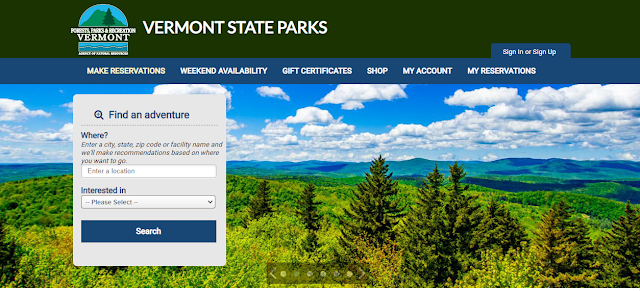
As of March 18th, 2020, Vermont State Parks launched a new reservations system at www.vtstateparks-visit.com . We are launching a Reservation FAQs series to help you navigate this new system. To learn more about the exciting new features of our reservation system, click here. How can I add to or change an existing reservation online including site changes or cancellations? Visit www.vtstateparks.com and s elect 'RESERVE' Scroll down to and select 'Make Reservations' Select 'Sign In or Sign Up' Type in the email and password on file then select 'Sign In' Go to 'Current Reservations' Find your reservation you want to edit and select 'See Detail' The top right section above the 'Order Details' gives you options to: Change Reservation - Change dates and/or sites within current park Transfer to Another Park - Move dates and sites to a different VT State Park Cancel Reservation Make Another Reservation For this example, let's say...